We use optional analytics cookies to understand how Kinoslide is used. Privacy Policy


Features
How Kinoslide works
Three formats, full storyboard control, multilingual narration, and scene-by-scene editing. Here's how it all works.
Video Types
Three formats from one upload
Upload your course material and choose how it should become a video. Kinoslide handles the script, visuals, and narration.
Explainer
Dry Erase is a whiteboard with motion: diagrams, handwriting, and math drawn in marker as the narration moves, then animated. Equations rearrange, shapes move, objects fall and collide. Blackboard is the same lesson in chalk. Paper Trail lays the material out on an evidence board.
Best for
- Course lessons and lectures
- Worked examples
- Concept deep dives
- Longer lessons
Presentation
Narrated slides with motion, animated charts, and 18 templates. Fits course modules, briefings, and documentation-heavy walkthroughs.
Best for
- Course modules and onboarding
- Stakeholder briefings
- Policy updates
- Product documentation
Whiteboard
A hand-drawn video that builds ideas step by step. Fits process walkthroughs, course modules, and dense concepts.
Best for
- Process walkthroughs
- Course modules
- Concept walkthroughs
- Source-driven creator content
Themes
18 built-in presentation themes
Every Presentation video uses one of 18 templates. Pick the look that fits your audience, and Kinoslide keeps slide headers and page numbers consistent across the deck.
 Executive Cobalt
 Midnight Minimal
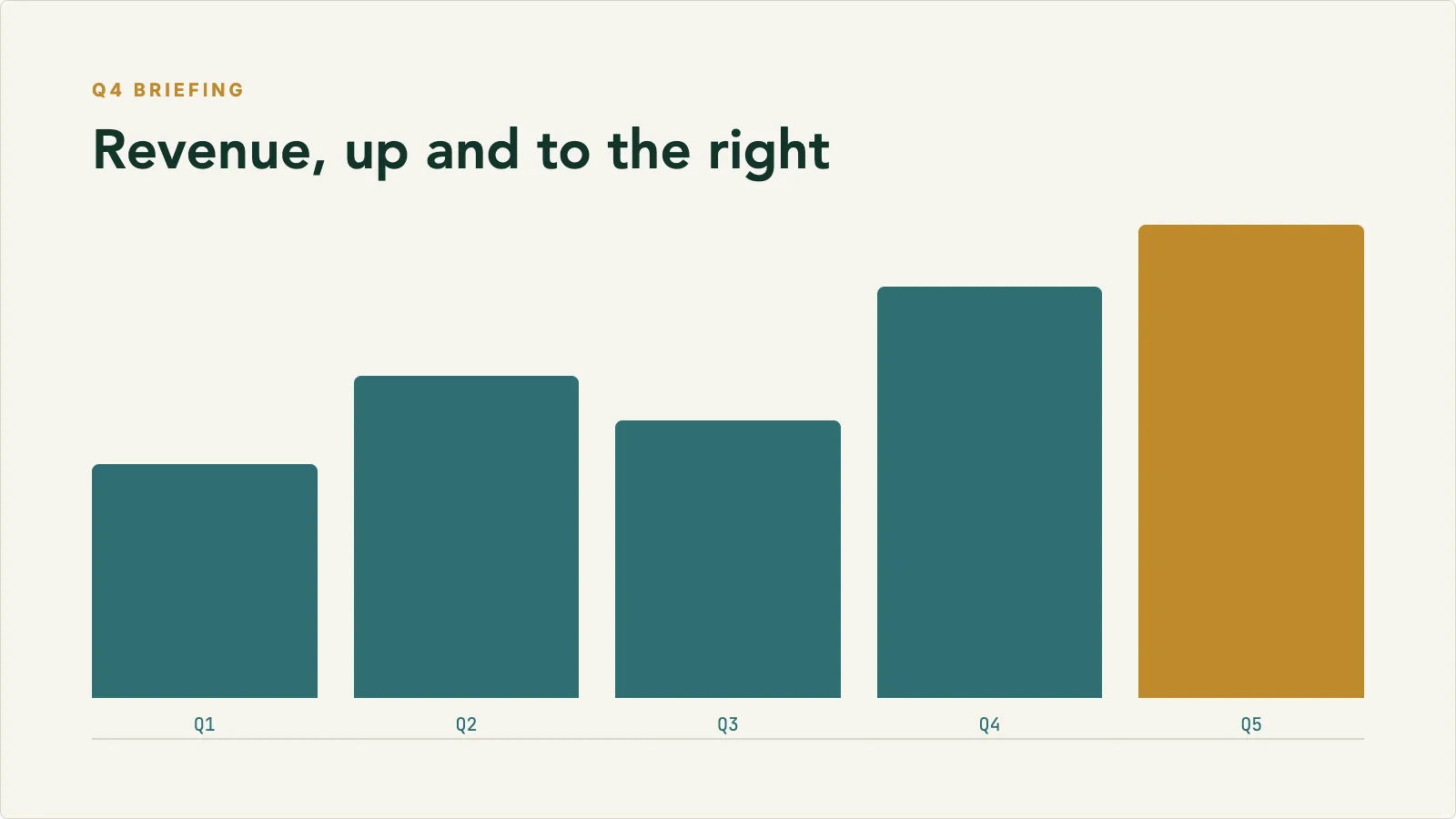 Finance Briefing
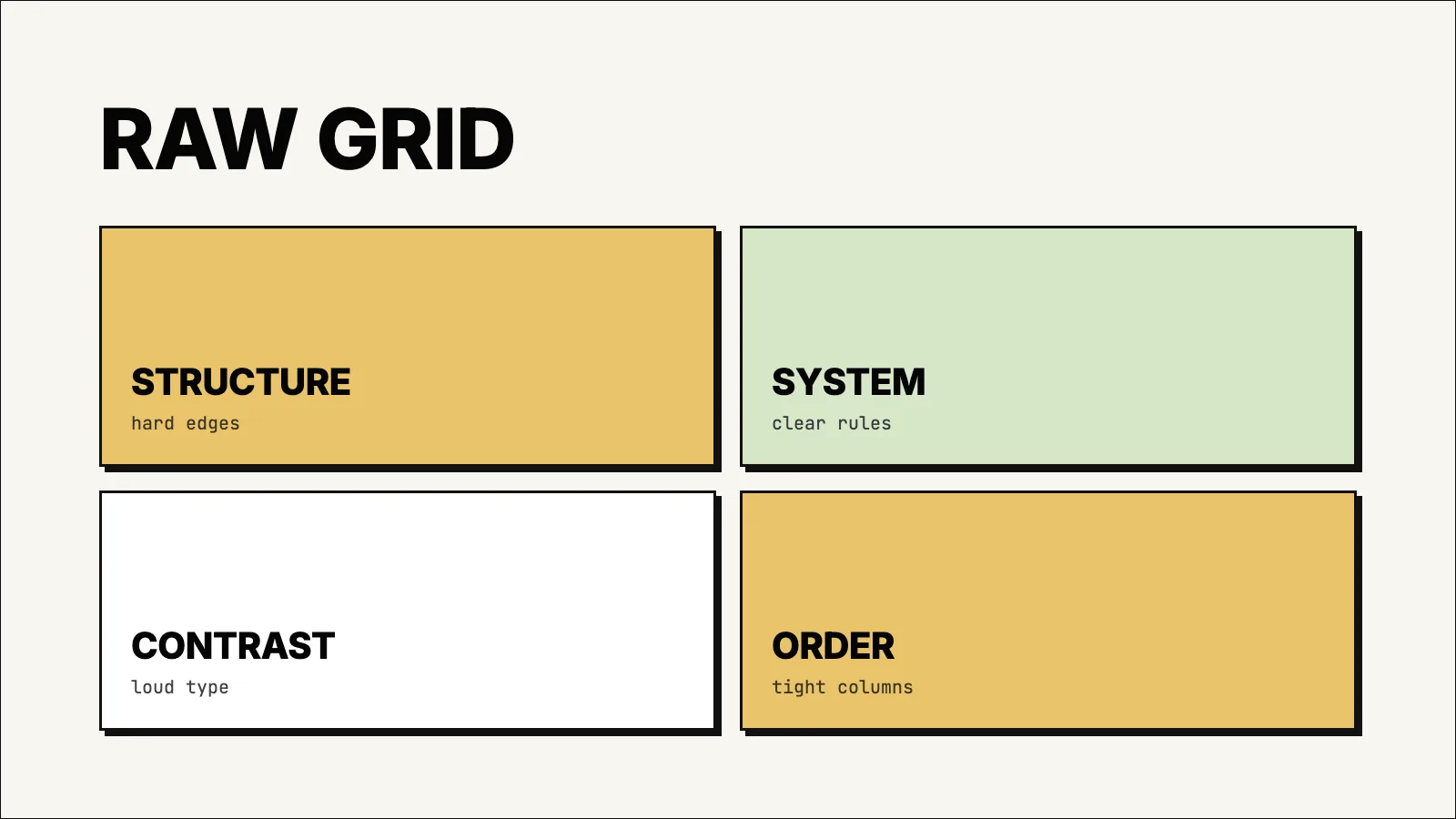 Hardline Grid
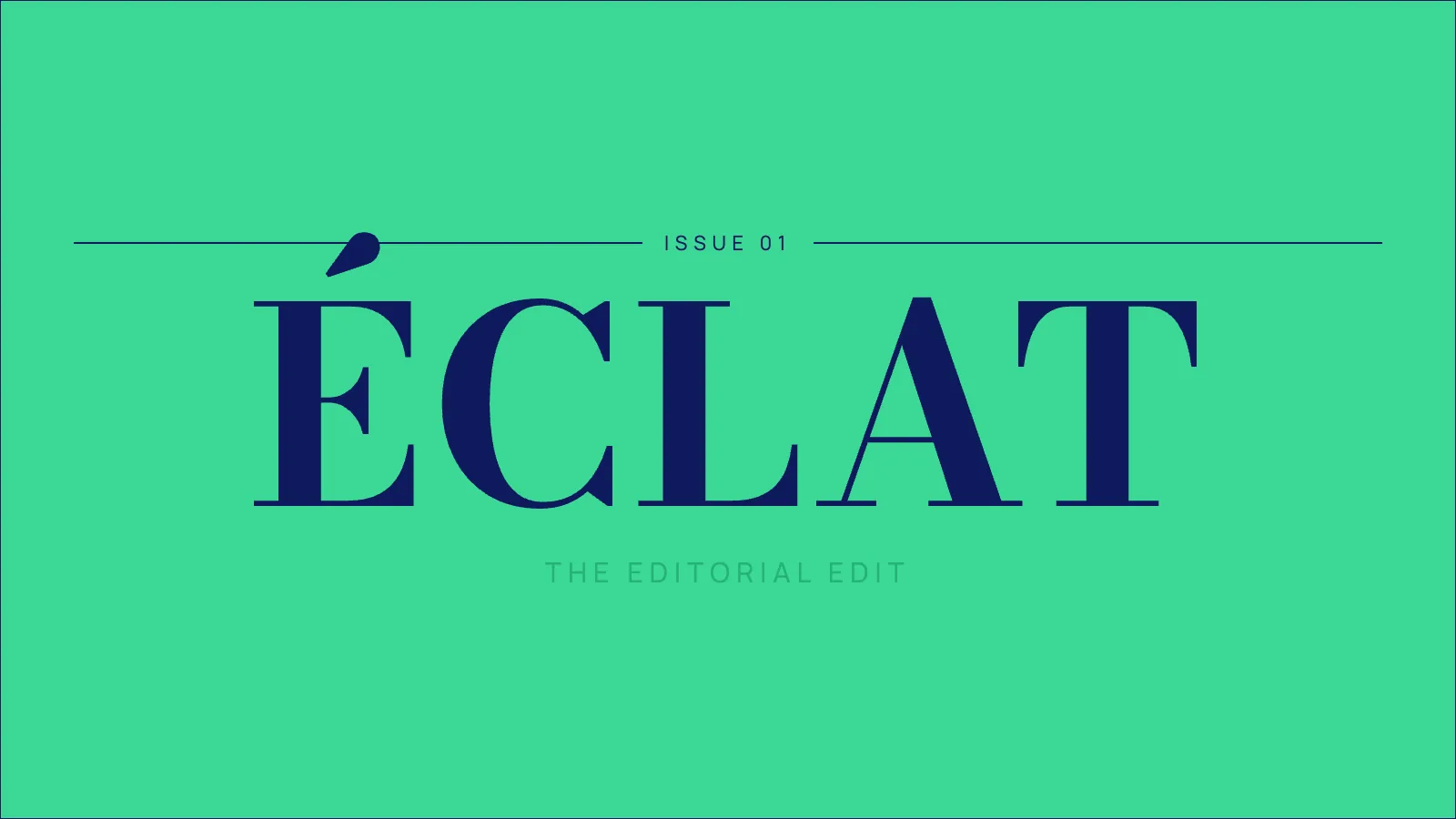 Jade Masthead
 Retro Terminal
Credits
One credit, one minute
One credit is one minute of video. A 3-minute video costs 3 credits, a 5-minute video costs 5 credits.
1 credit / min
Make a Presentation video. A 5-minute video costs 5 credits.
1 credit / min
Make a Dry Erase, Blackboard, or Whiteboard video. A 5-minute video costs 5 credits.
0.25 or 1 credit
Regenerate an image for 0.25 credits, or rerender an out-of-sync video for 1 credit. Transcript and slide edits are included. Pro and Scale only.
How credits work
- Credits are deducted when you submit a request, based on the duration you ask for.
- The final video may run slightly shorter or longer. Credits are based on the duration you asked for.
- Credits are granted at the start of each billing cycle.
- Failed renders do not consume credits.
Editing & Storyboarding
Refine before and after rendering
On Pro and Scale plans, every video is editable. Change what needs work, keep what doesn't.
Image regeneration
Not happy with a scene visual? Swap any individual image for a new one. Each regeneration costs 0.25 credits.
Transcript and slide edits
Update transcript text and, in Presentation, slide content at no direct credit cost. If the video is out of sync after your edits, regenerate it for 1 credit.
Storyboarding
Before generating the full video, review and adjust the sequence of scenes, visuals, and narration so the final render is exactly what you want.
Video regeneration
If a video is out of sync after edits, regenerate the full video for 1 credit to apply the latest changes.
Editing is available on Pro and Scale plans.
Multilingual
Publish in eleven languages
Pick a language and Kinoslide writes the script, narrates, and renders the entire video in it.
Pick a language and the script, on-screen text, and narration all come out in that language. The same PDF can produce versions for different markets, and each one costs the same credits as any video of the same length.
Supported languages
Need another language? Contact us and we'll let you know what's coming.
Multilingual is available on Pro and Scale plans.
Video Quality
Resolution that fits your use case
Higher quality means larger files and longer render times. Pick what fits where the video will be watched.
Resolution
1280 × 720
Frame rate
24 fps
Crisp and clear for web sharing, presentations, and internal use. Renders faster.
Resolution
1920 × 1080
Frame rate
30 fps
Full HD for client-facing content, LMS uploads, and polished external delivery.
Storage & Uploads
Upload limits explained
Each plan has two upload limits: the maximum size per file, and the total you can upload per month.
Max file size
The largest individual PDF you can upload in a single upload. A 10 MB limit is roughly 200 to 400 pages of text-based PDF. The 50 MB limit covers dense image-heavy documents.
Monthly upload limit
The total size of all PDFs you upload in a billing month. Resets with your subscription. Generated videos don't count toward this.
| Plan | Max file size | Monthly upload | Pages per video |
|---|---|---|---|
| Free | 10 MB | 50 MB | 10 |
| Basic | 10 MB | 512 MB | 20 |
| Pro | 50 MB | 1 GB | 30 |
| Scale | 50 MB | 10 GB | 50 |
Get started
Start with the document you already have.
Every account starts free. No credit card required.