We use optional analytics cookies to understand how Kinoslide is used. Privacy Policy


For people who build courses
Turn course material into videos that teach
Upload the material you already teach from. Kinoslide writes the narration and draws each scene in time with the voice. Review every scene, then publish.
Free plan included. No credit card.

“The video quality was great. Very minimal, if any, formatting or correction.”
John Waldron, Founder, Learnedly. Read the story
01Formats
Pick how the lesson should play.
Each one below is a finished video made from real course material.
A whiteboard with motion.
Drawn in marker from your own material, then set in motion. Equations rearrange, curves trace out, objects fall and collide. The same lesson is available in chalk as Blackboard.
For Course lessons · Worked examples · Concept deep dives
More about Dry Erase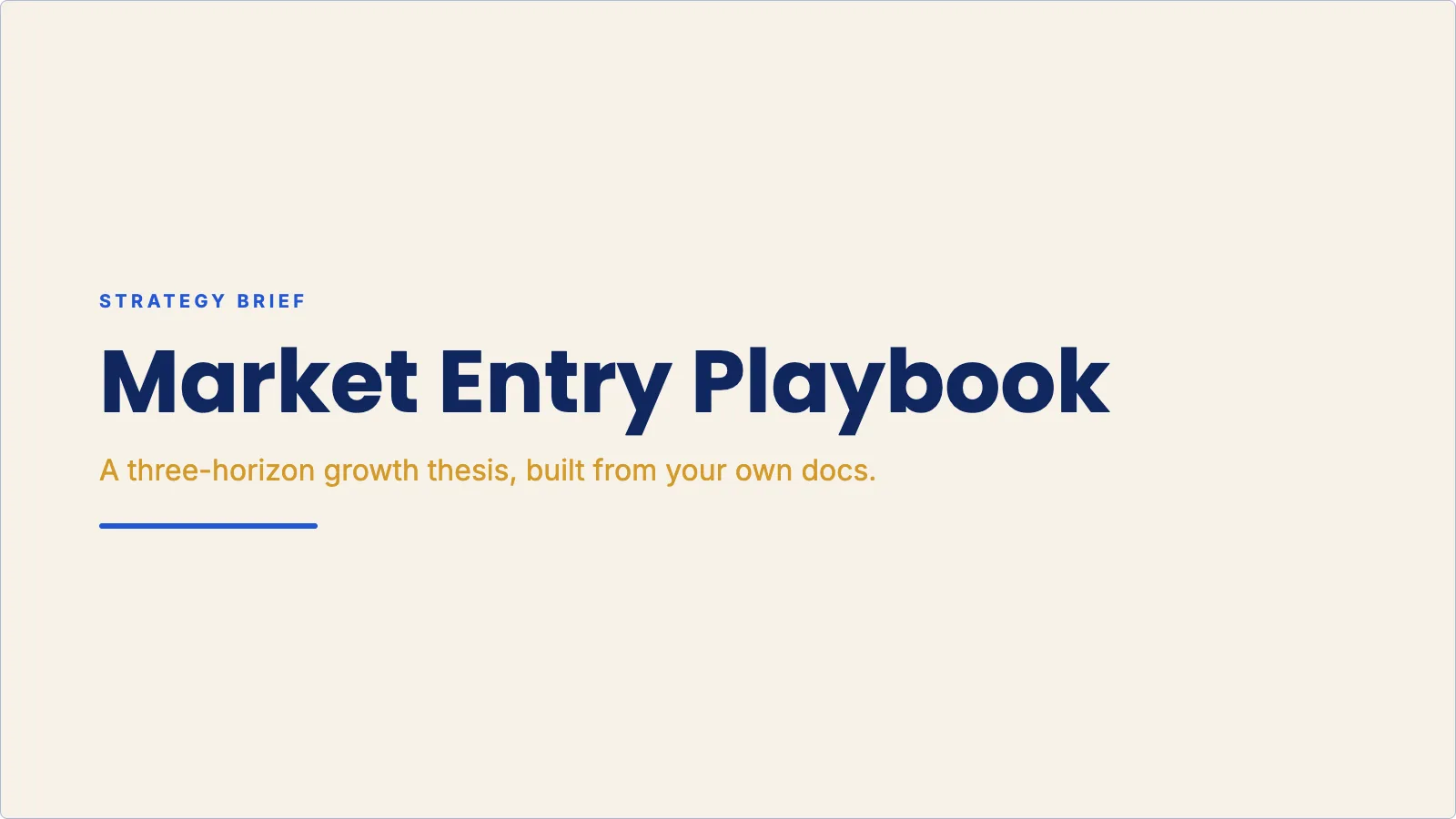
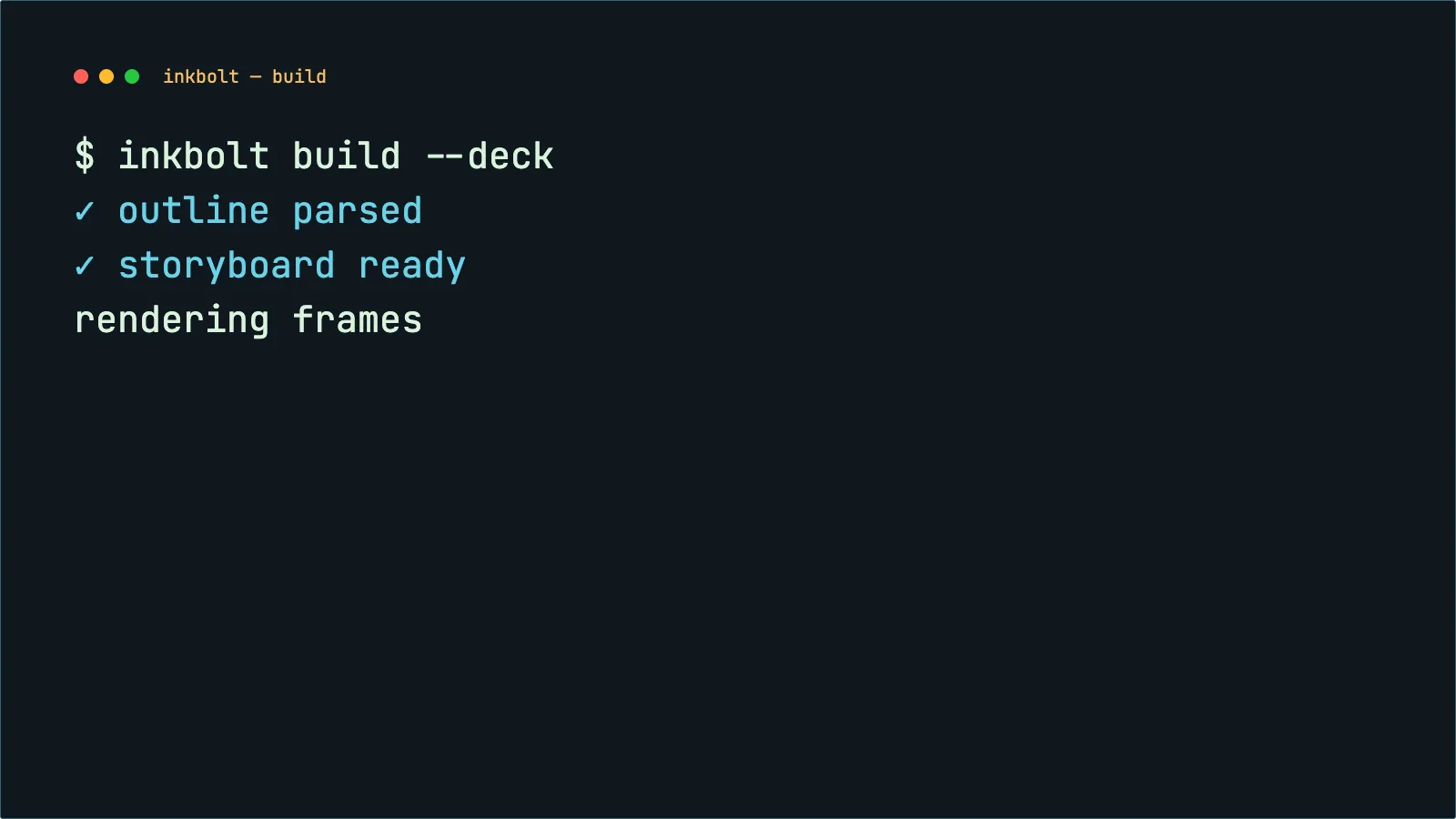
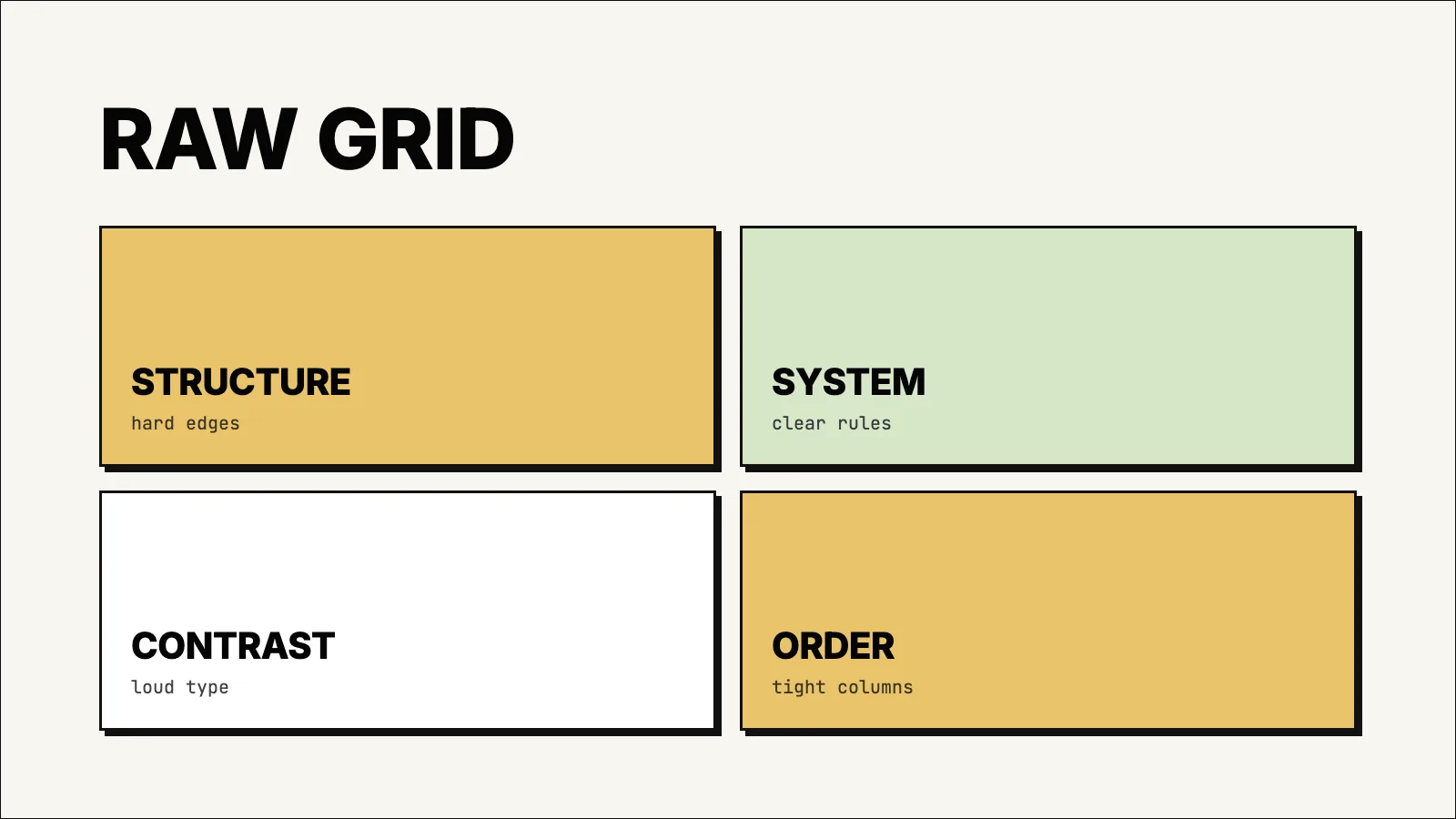
Narrated slides that move.
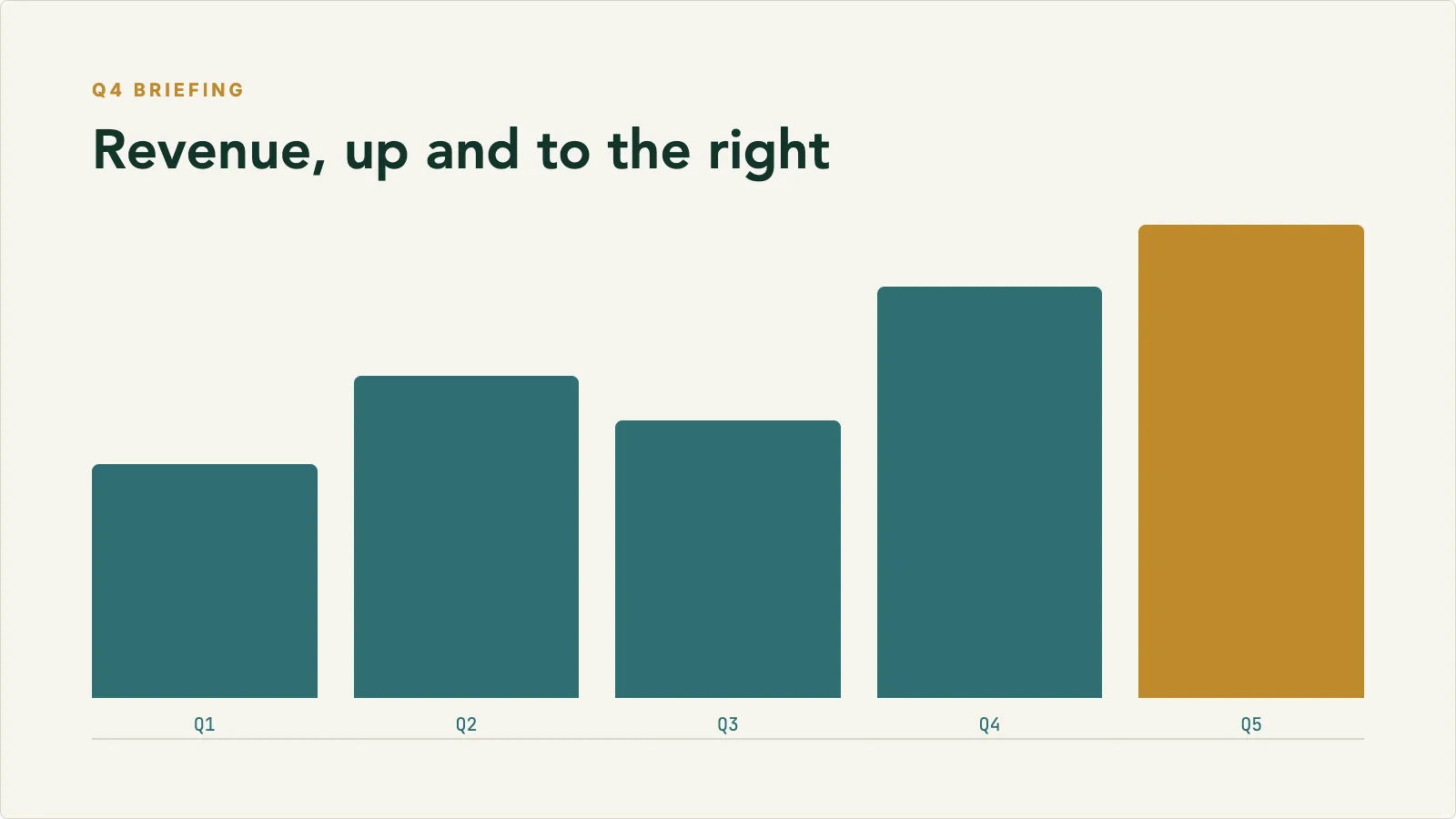
Animated charts, text that lands with the narration, and 18 built-in themes. Made for course modules, certification prep, and anything that also needs a deck you can hand out.
For Course modules · Certification prep · Product documentation
More about PresentationIdeas as shapes in motion.
Abstract 2D animation in clean ink on warm paper. Each video invents a visual language for its topic, then the idea plays out in it: quantities stack, split, grow, and compound with the narration.
For Quantitative concepts · Licensing and exam prep · Process explainers
More about Mind's Eye02How it works
Upload a document. Review the draft. Export.
Kinoslide drafts the script, visuals, and voiceover together. You spend your time on the scenes that need a second look.
- 01
Upload the source
A PDF, notes, or a prompt. Pick the pages, the duration, the language, and the format.
- 02
Kinoslide drafts the lesson
Script, visuals, and voiceover are written together, scene by scene, from your material.
- 03
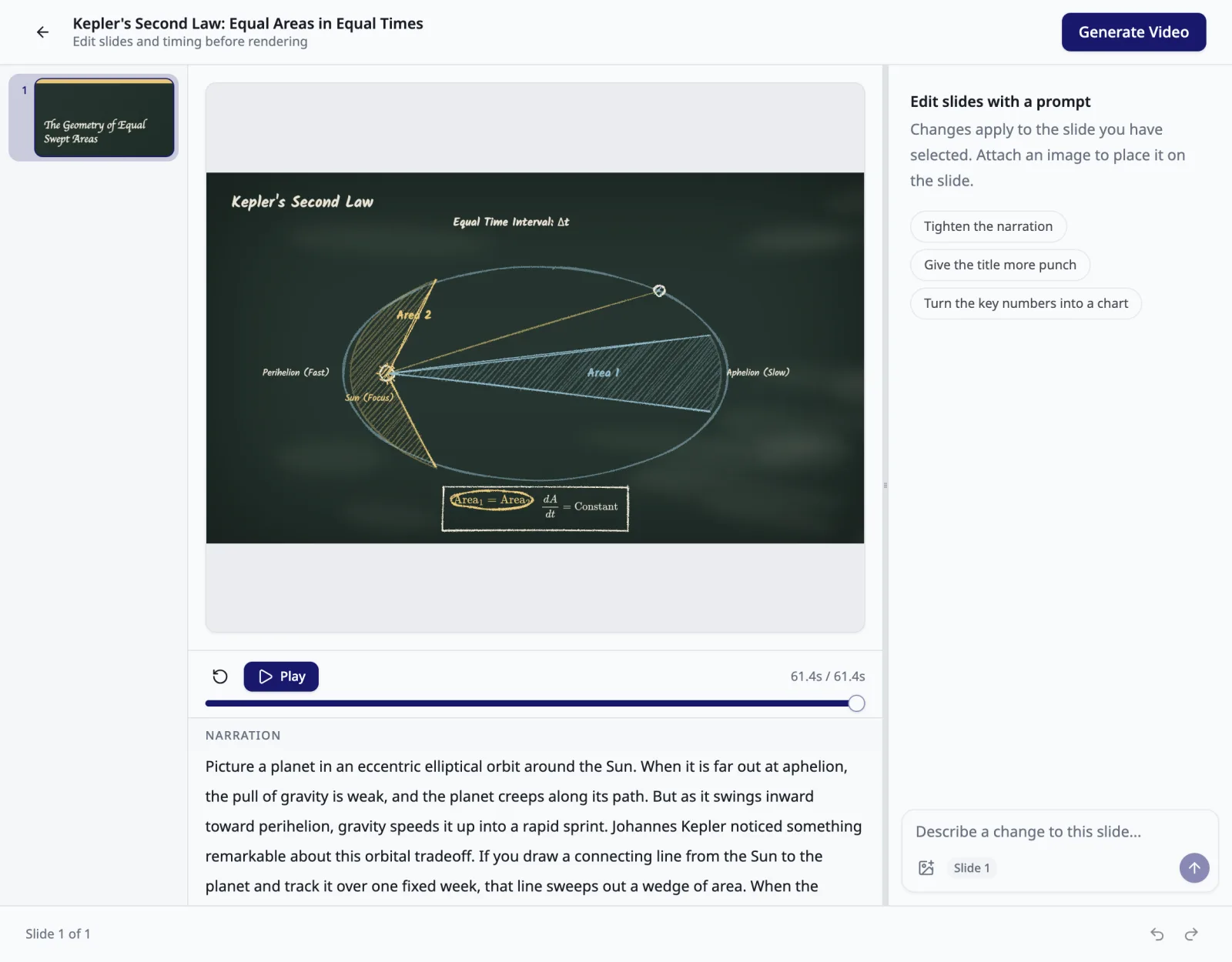
Review the storyboard
Every scene, its narration, and a prompt box to change either. Regenerate what needs a second look.
- 04
Render and export
Download the MP4 for your LMS, course platform, or channel. Edit a scene later and only that scene re-renders.
03Who it's for
One workflow, three kinds of teacher.
Course providers
Video lessons for every course in the catalogue
Start from the manuals, decks, and study notes you already publish. Style rules keep every module consistent, and your subject-matter experts review each scene before it renders.
Read moreTraining and L&D teams
Internal training people watch to the end
Start from SOPs, onboarding guides, and policies. Refresh the scenes a policy change touches without starting the video over.
Read moreEducators and creators
Lessons from your notes that hold attention
Start from lecture notes, scripts, and source PDFs. Pick the format that fits the piece and export finished MP4s for YouTube, cohorts, or tutoring.
Read more04Pricing
Free to start. One credit is one minute.
Paid plans add more minutes each month, storyboard review, voice choice, multilingual output, and shared workspaces.
05FAQ
Questions people ask before their first lesson.
Any PDF. Lecture notes, slide exports, course manuals, textbook chapters, research papers, and scripts all work. You can also start from a prompt.
Dry Erase is a whiteboard with motion. Diagrams, handwriting, and math are drawn in marker as the narration moves, then they animate: equations rearrange themselves, shapes move and get erased, objects fall and collide. Blackboard is the same lesson in chalk. Presentation is animated slides that also export as a deck. Whiteboard is hand-drawn sketches, one idea at a time. Mind's Eye is abstract 2D animation: clean shapes that stack, split, and grow as the narration moves. Paper Trail lays the material out on an evidence board and moves the camera between pinned cutouts.
Every plan includes a monthly credit allowance, and one credit makes one minute of video. A 5-minute video uses 5 credits, deducted when you submit it. The free plan includes enough to try each format.
On Pro and Scale plans, yes. Review the storyboard before render, regenerate individual scenes, or rewrite any line, and each change only rerenders that section.
English, French (France and Canada), Spanish, Portuguese, German, Turkish, Indonesian, Russian, Hindi, and Arabic. The script, on-screen text, and narration are all generated in the language you choose. Arabic is not yet available in the Presentation Classic style.
Yes. Your documents are encrypted, stored securely, and never used to train AI models.
Get started
Start with the material you already teach from.
Draft a lesson from your notes or a PDF, refine the scenes that matter, and publish. Free to start.